Make photo collagesyou'll actually use
A fast, modern collage maker with hundreds of templates. Looks great on Instagram, even better printed.
Let AI do the fiddly bits
You pick the photos. We'll handle the rest—or you can tweak everything yourself.
Smart Auto-Arrange
Drop in your photos and let AI arrange them. It considers composition, faces, and colours to find the best layout.
Face Detection
Photos auto-crop to keep faces visible. No more chopped heads or awkward framing.
One-Tap Enhance
Fix lighting, sharpen details, and balance colours across all your photos with one click.
Background Removal
Remove backgrounds from any photo instantly. Great for product shots or cutting out people.
Colour Matching
AI suggests background colours that complement your photos. Your collage looks cohesive without the guesswork.
Template Suggestions
Based on your photo count and content, we'll recommend layouts that work best.
What's included
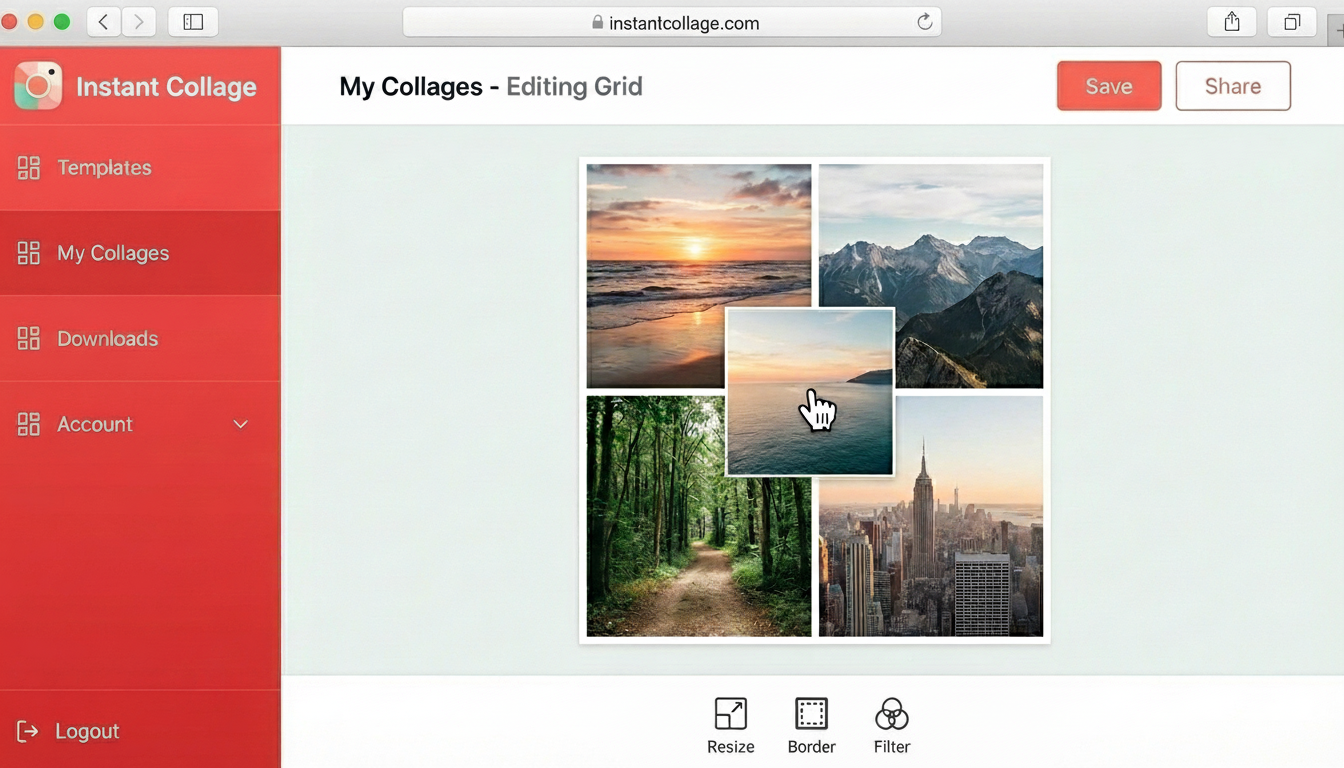
Drag-and-drop editor
Move photos around, resize cells, adjust spacing and borders. Works on desktop and mobile.
Backgrounds & stickers
Solid colours, gradients, or your own images. Add text and stickers if you want them.
HD exports
Download up to 4K resolution. Presets for Instagram, Pinterest, and standard print sizes.
How it works
Pick a template
Browse by style or number of photos. Or start with a blank canvas.
Drop in your photos
Drag them where you want. Zoom and reposition each one.
Download
Save it to your phone or computer. Share it wherever you like.
What people make
Questions? Answers.
Can I cancel anytime?
Yes. Cancel whenever you want from your account settings. No contracts, no cancellation fees. If you cancel, you keep access until the end of your billing period.
What formats can I download?
PNG and JPG, up to 4K resolution. We have presets for Instagram posts, Instagram stories, Pinterest pins, and standard print sizes like 4x6, 5x7, and 8x10.
Does it work on my phone?
Yes. The editor works on any device with a browser—iPhone, Android, iPad, laptop, desktop. Your collages sync across devices automatically.
How many templates are there?
Hundreds, and we add more regularly. Grids, freeform layouts, polaroid styles, scrapbook designs, and templates for specific occasions like birthdays, weddings, and holidays.
Can I upload my own background?
Yes. Use any image as a background, or choose from solid colours and gradients. You can also adjust the spacing and borders around your photos.
Is there a free trial?
Yes. Try everything free for 7 days, no credit card required. If you like it, pick a plan. If not, no worries.
Still have questions? Get in touch